Advertising
Logora allows you to insert ads into your debate space, with or without Google Ad Manager.
Desktop
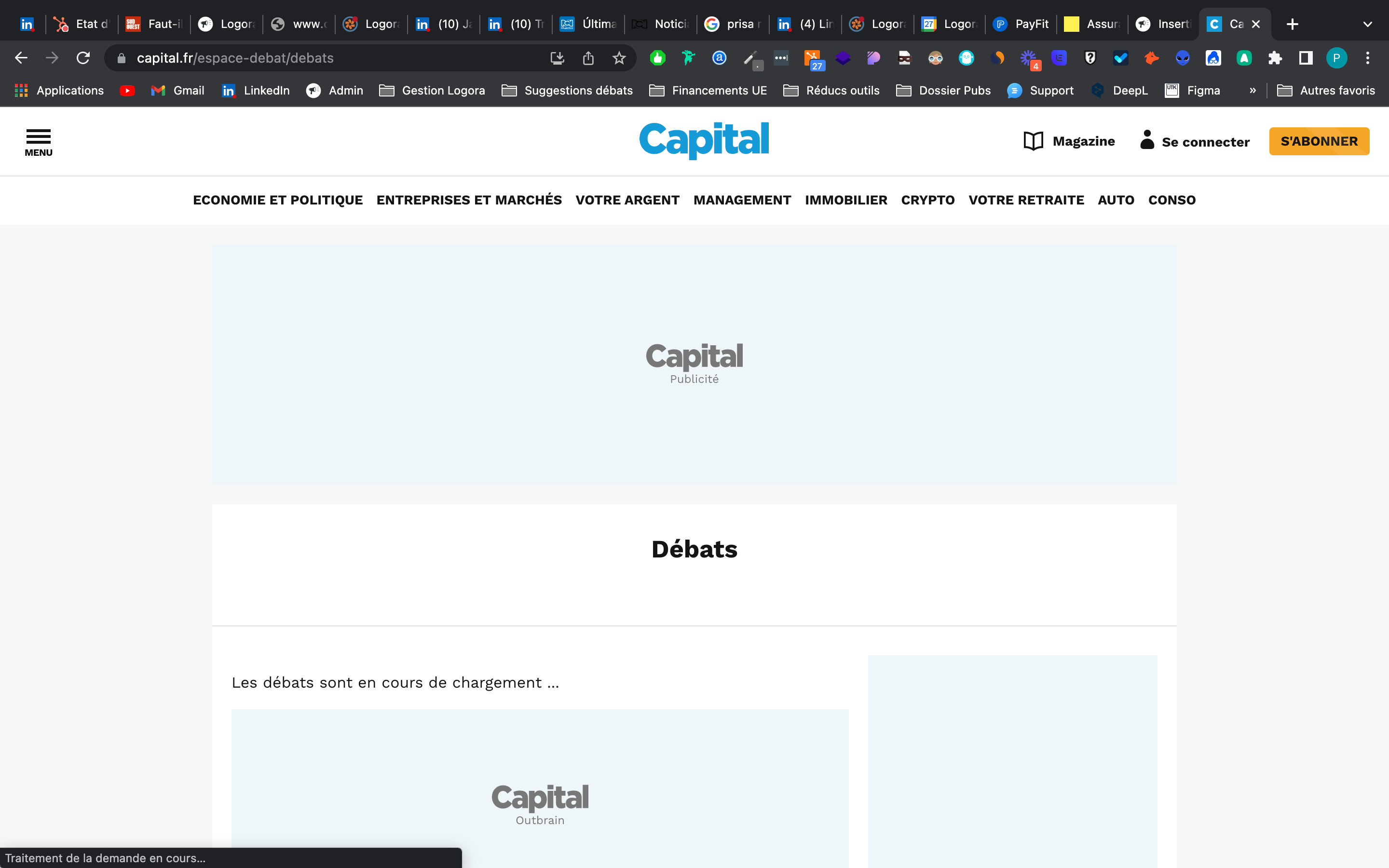
On desktop, insert your ad blocks around the debate space as you would on any other page of your site. No Logora configuration is required.
Example on Capital.fr:
Mobile
On mobile, ads are inserted inside the debate space, through the Logora configuration.
Two placements are available:
| Placement | Position | Format |
|---|---|---|
| Article footer ad | Between the poll and the featured contributions | 300×250 |
| In-list ad | Every n arguments (configurable via threadFrequency) | 300×250 |

With Google Ad Manager
Go to Administration > Configuration > Advertising, check Allow ads and fill in for each placement:
- Path : GAM ad slot path (e.g.
/6355419/Logora/Article) - ID : unique container identifier
- Targeting key : custom targeting key name
- Targeting value : custom targeting value name
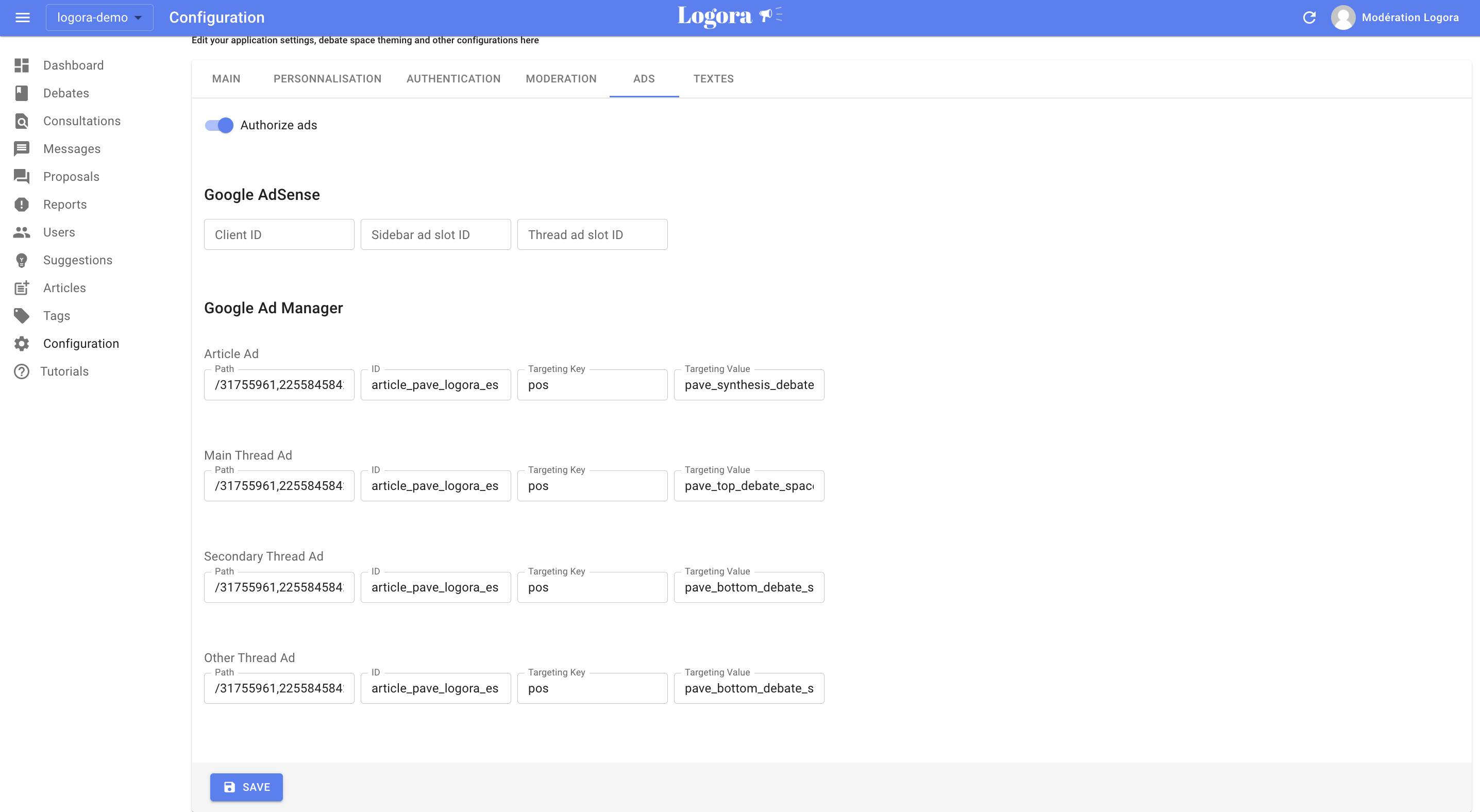
The path and id fields are specific to each placement. The targeting key and targeting value fields can be identical across placements.
Without Google Ad Manager
If you use another ad provider, you can target the existing Logora ad containers.
To make the containers render, fill in the path and id fields — even with placeholder values. The containers use the ID div-gpt-ad-{your-id}.
Then target them with your script:
| Selector | Placement |
|---|---|
#div-gpt-ad-{your-article-id} | Article footer ad |
#div-gpt-ad-{your-thread-id} | In-list ad |
<script>
document.querySelectorAll('#logoraRoot [id^="div-gpt-ad-"]').forEach(function(el) {
  // Insert your ad provider code here
});
</script>